
Electricity waste at home is rarely dramatic. More often, it is subtle and repetitive. A monitor left in standby, a printer waiting for jobs, a speaker system glowing with a tiny LED, or a game console in rest mode all contribute small but steady consumption. Because these devices appear “off,” their energy use is easy to ignore.
At the same time, modern homes contain more electronics than ever. Home offices, entertainment systems, and connected devices have multiplied outlets and chargers. Consequently, the number of always-plugged-in items has grown. Even if each one draws only a little, the combined effect becomes noticeable over time.
Smart power strips respond to this reality. Instead of asking people to unplug devices constantly, they automate the disconnection. This shift from manual discipline to automated control is where their real value lies. By exploring how smart power strips operate and how to use them strategically, homeowners can reduce idle consumption without disrupting daily life.
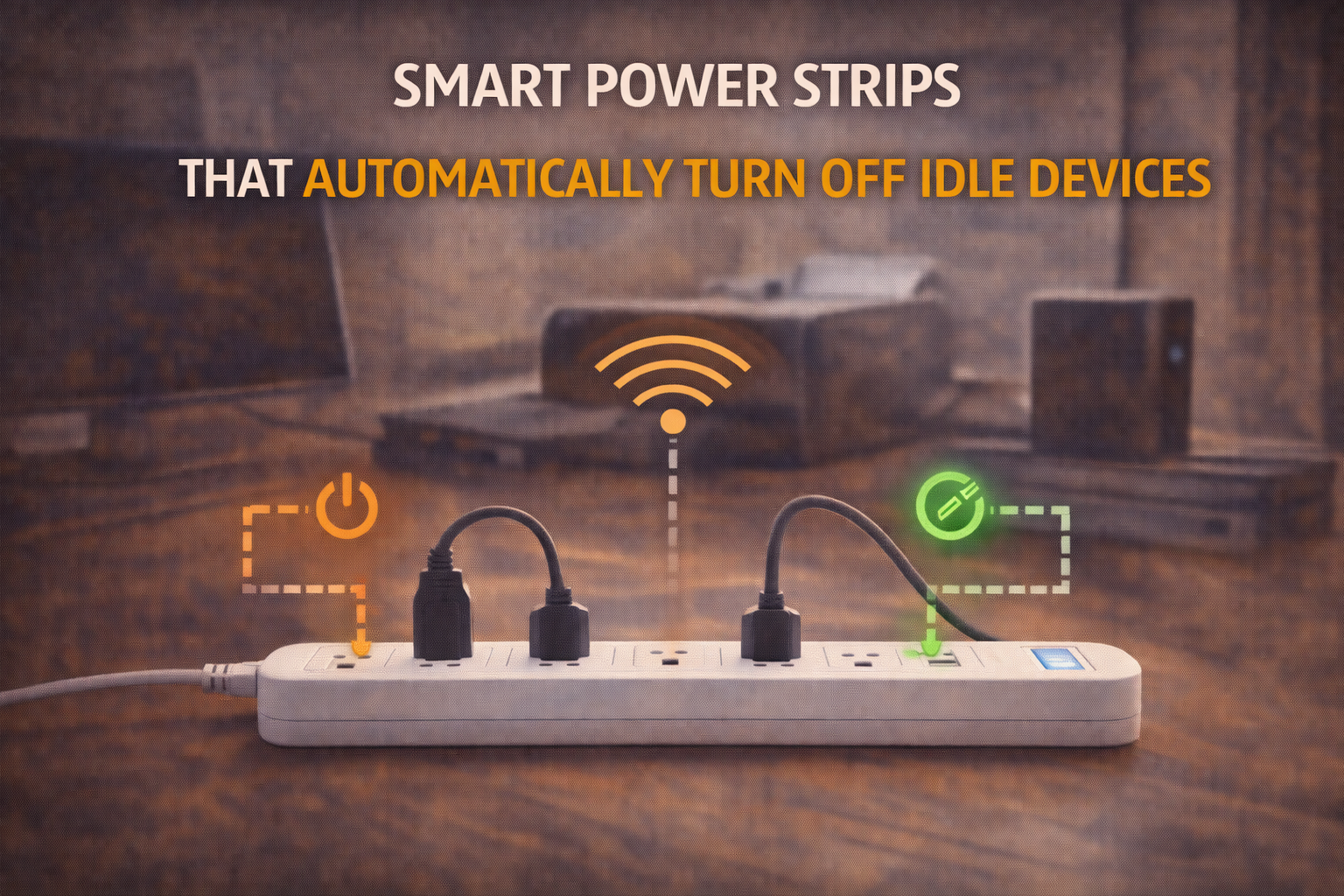
Smart Power Strips That Automatically Turn Off Idle Devices
Why Idle Electronics Still Use Power
Many electronic devices are designed for convenience. They maintain partial readiness so they can start quickly, receive updates, or remember settings. This readiness requires electricity.
For example, televisions often keep network modules active. Computers may power USB ports even when asleep. Audio systems maintain standby circuits for remote activation. All of this uses energy.
Individually, the draw may be modest. However, homes rarely contain just one device. When multiple items remain in standby all day and night, the energy use becomes continuous rather than occasional. Therefore, idle power is less about spikes and more about persistence.
Understanding this persistence is important. It explains why small interventions, applied consistently, can yield real savings.
What Smart Power Strips Actually Do
A smart power strip looks similar to a standard surge protector, yet it includes logic and sensing. Instead of providing constant power to every outlet, it can selectively cut power.
The simplest models rely on a “control” or “master” outlet. When the device plugged into that outlet turns off, the strip automatically shuts off power to designated outlets. This ensures that accessories do not remain powered unnecessarily.
More advanced versions add sensing or connectivity. They may detect current changes or allow app-based control. Regardless of the method, the goal is the same: reduce power when devices are idle.
Importantly, smart power strips do not reduce the power a device needs while active. They reduce the time it remains powered when not needed.
How They Detect “Idle” Devices
Detection methods vary. Some strips monitor current draw. When the master device’s consumption drops below a threshold, the strip interprets that as “off.” Then it cuts power to secondary outlets.
Other strips rely on timed logic or manual configuration. Connected models may follow schedules or remote commands.
Each method has trade-offs. Current sensing is automatic but must be calibrated. Schedules are predictable but less responsive. App-based control is flexible but depends on user setup.
Choosing the right method depends on how predictable your routines are.
Types of Smart Power Strips
Smart power strips generally fall into three categories. First, there are master–controlled strips. Second, there are current-sensing strips. Third, there are connected smart strips.
Master–controlled strips are straightforward. They link multiple outlets to one primary device. When the primary device shuts down, others follow.
Current-sensing strips refine this concept. They react to actual power draw rather than simple on/off states. This allows more nuanced detection.
Connected strips integrate with smart home platforms. They enable scheduling, remote control, and sometimes energy monitoring.
Each category supports different levels of control and complexity.
Master–Controlled Outlet Logic
This design is common in office setups. A computer acts as the master device. Monitors, speakers, and printers connect to controlled outlets.
When the computer shuts down, the strip recognizes the drop in power draw. Then it disconnects accessories. This prevents peripherals from idling.
The benefit is simplicity. No apps are required. Behavior follows natural device usage. However, this logic works best when one device clearly anchors the setup.
Current-Sensing and Load Detection
Current-sensing strips monitor electricity flow continuously. When the measured load drops below a set point, the strip reacts.
This approach is more dynamic. It adapts to real usage patterns. However, sensitivity matters. If thresholds are too high or low, devices may cut off unexpectedly or remain powered.
Good calibration ensures reliability. Once tuned, these strips operate quietly and effectively.
Smart Connected Power Strips
Connected power strips expand possibilities. They can be controlled via smartphone apps or voice assistants. Some models include energy monitoring.
These strips support schedules, scenes, and automation. For example, an entertainment system can power down at midnight automatically. A home office can disconnect on weekends.
Connectivity adds flexibility. Yet it also adds setup steps. Therefore, they suit users comfortable with smart home ecosystems.
Where Smart Power Strips Save the Most Energy
Savings depend on context. Areas with multiple idle-prone devices benefit most. Home offices and entertainment centers are prime examples.
In contrast, areas with always-on appliances or critical devices are less suitable. Refrigerators, routers, and medical equipment should not be controlled this way.
Therefore, targeting high-density electronics zones yields the best results.
Home Office Use Cases
Home offices often include computers, monitors, speakers, printers, and chargers. Many remain in standby when not used.
A smart strip can link these devices. When the main computer shuts down, accessories disconnect. This prevents overnight idle draw.
Because office routines are often predictable, automation works well here.
Entertainment Center Use Cases
Entertainment centers contain TVs, consoles, streaming boxes, and audio systems. These devices frequently idle.
A smart strip can reduce idle time. However, users must consider update behavior. Some devices update during standby.
Balancing convenience and efficiency is key. Some users allow limited standby windows before cutoff.
Kitchen and Utility Areas
Small appliances and chargers often remain plugged in. Coffee machines, microwaves, and countertop electronics can draw standby power.
Smart strips can manage non-critical devices. However, high-power appliances require careful load consideration.
Safety should guide decisions in these areas.
Automation and Behavior Design
Automation works best when it mirrors habits. If a strip cuts power too aggressively, users override it. Overrides reduce savings.
Therefore, moderate logic works best. Align cutoffs with natural inactivity periods. This preserves trust in the system.
Behavior-aware automation tends to last longer.
Safety and Electrical Considerations
Load ratings matter. Each strip has a maximum capacity. Overloading creates risk.
Heat-producing devices require extra caution. Not all appliances suit automated cutoffs.
Quality surge protection also matters. A good strip protects devices while managing power.
Common Mistakes to Avoid
One mistake is connecting critical devices. Another is ignoring load limits. A third is expecting instant large savings.
Smart power strips deliver incremental improvements. Over time, those increments add up.
Patience and proper placement produce better results.
Measuring Real Savings
Some connected strips provide energy data. This helps validate impact. Even without data, patterns can be observed.
If devices no longer remain powered all night, savings are occurring. Measurement simply confirms scale.
Awareness often leads to further improvements.
Long-Term Impact on Energy Habits
Smart strips influence behavior. They make people aware of idle consumption. This awareness often extends to other areas.
Over time, households become more intentional. Devices are chosen and used with efficiency in mind.
Therefore, the impact is not only technical but cultural.
Conclusion
Smart power strips are simple devices with meaningful potential. By automatically disconnecting idle electronics, they address one of the most persistent forms of household electricity waste. They do not require constant attention, yet they operate daily. When applied to the right areas and configured thoughtfully, they reduce standby consumption without sacrificing convenience. In many homes, they represent a practical bridge between awareness and action. Efficiency, in this case, comes not from complexity but from consistency.
FAQs
1. Do smart power strips really save energy?
Yes, especially in areas with many standby devices.
2. Are they hard to install?
Most are plug-and-play.
3. Can they damage electronics?
No, when used within ratings and for suitable devices.
4. Do they work without internet?
Basic models do; connected ones may not.
5. Are savings immediate?
Savings accumulate gradually over time.

Daniel Harper is a graduate engineer with a postgraduate specialization in Intelligent Solutions and Industry 4.0 technologies. He leads the Mogarzi Team, focusing on smart home automation, residential energy efficiency, and intelligent energy management systems. His work combines engineering principles with practical home optimization strategies, translating complex technical concepts into actionable insights for homeowners seeking smarter and more efficient living environments.