
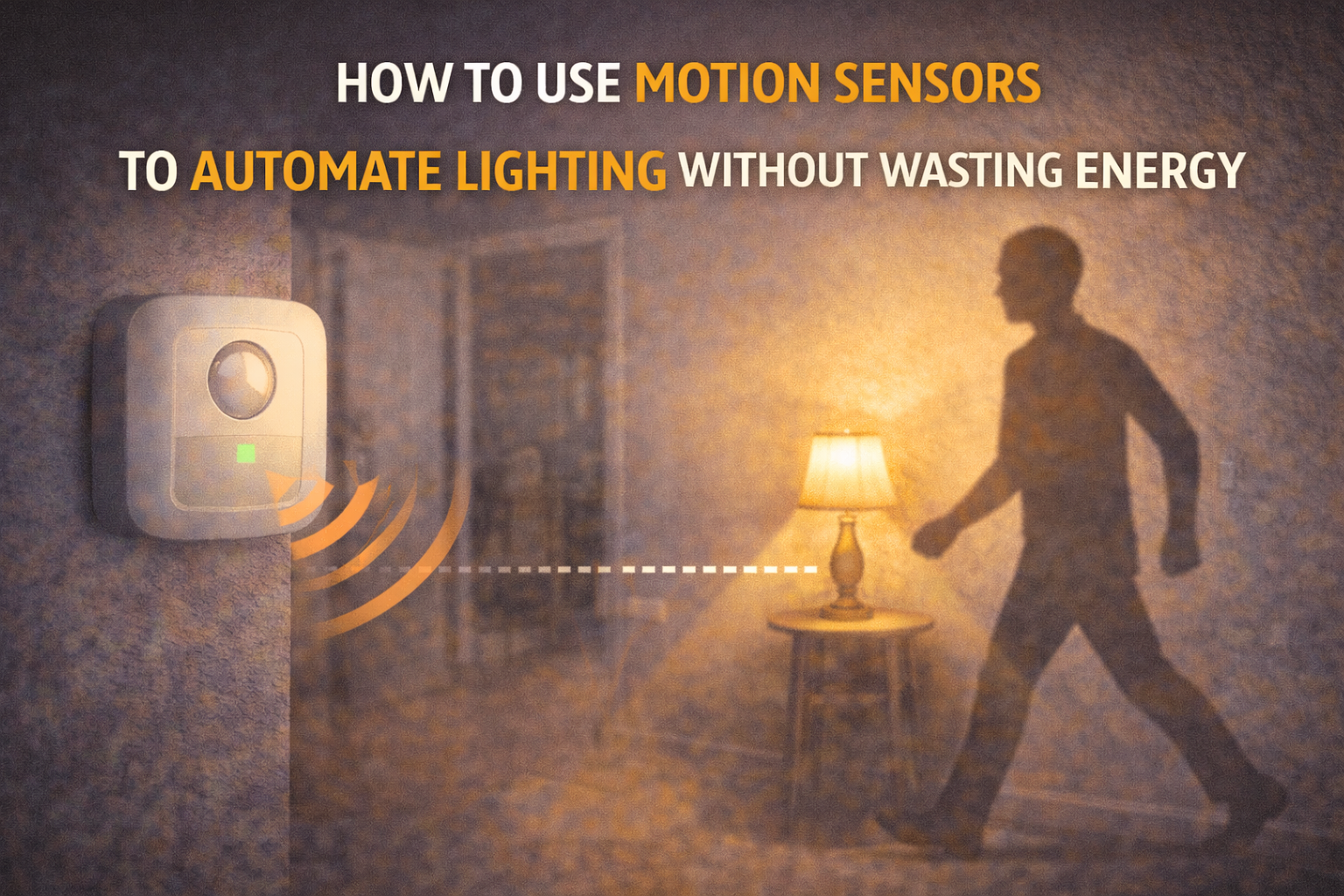
Lighting feels inexpensive on a daily basis, which is precisely why it is easy to ignore. A light left on in a hallway or bathroom does not seem significant in the moment. However, repeated across rooms and across days, small inefficiencies compound. Many households still rely on memory and habit to manage lights, and human memory is rarely perfect.
At the same time, modern lifestyles involve movement between spaces. People enter rooms briefly, carry items in and out, and multitask constantly. In such environments, manual switching becomes inconsistent. Lights remain on simply because turning them off is not top of mind. This is where motion sensors introduce meaningful value.
Yet automation is not magic. If lights turn on too often, stay on too long, or activate when not needed, energy use can quietly increase. Therefore, the goal is not only automation but intelligent automation. By exploring how motion sensors work and how to configure them wisely, homeowners can achieve convenience without sacrificing efficiency.
How to Use Motion Sensors to Automate Lighting Without Wasting Energy
Why Lighting Automation Matters for Energy Efficiency
Lighting represents a smaller portion of total home energy use than HVAC, yet it remains a controllable and visible category. Because lights operate daily, even modest improvements create cumulative savings.
Moreover, lighting automation influences behavior. When lights respond automatically, people become less dependent on memory. This reduces the chance of waste from forgetfulness. At the same time, efficient lighting design improves comfort and usability.
Therefore, motion-based lighting should be viewed not only as a gadget feature but as a behavioral tool. It shapes how energy is used moment by moment.
How Motion Sensors Actually Work
Motion sensors detect movement within a field of view. Most residential sensors rely on passive infrared technology. These sensors measure changes in infrared radiation, which is emitted by warm bodies.
When a person moves across the sensor’s detection zones, the sensor registers a change. This change triggers a response, such as turning on a light.
Importantly, these sensors do not “see” like cameras. They detect heat variation and movement patterns. Therefore, their effectiveness depends heavily on placement and angle.
Types of Motion Sensor Technologies
Passive infrared sensors remain the most common because they are reliable and energy-efficient. They work well for detecting walking movement.
Ultrasonic sensors operate differently. They emit sound waves and measure reflections. These sensors can detect smaller movements, which makes them more sensitive but sometimes prone to false triggers.
Microwave sensors use radio waves and can detect movement through some materials. They are powerful but may be excessive for simple lighting tasks.
Dual-technology sensors combine methods to reduce false triggers. By requiring agreement between detection types, they improve reliability.
The Difference Between Motion and Presence
Motion detection identifies movement, not occupancy. This distinction is critical. A person sitting still while reading may not trigger a motion sensor.
Presence detection goes further by identifying subtle movements. Some advanced sensors can detect micro-movements like breathing.
For lighting, motion detection often suffices in transitional spaces. However, in offices or reading areas, presence-aware solutions may perform better.
Understanding this difference prevents frustration and inefficiency.
Why Poor Setup Leads to Energy Waste
If a sensor is too sensitive, it may trigger lights unnecessarily. Passing cars, pets, or airflow from vents can activate it.
If timeout settings are too long, lights remain on after people leave. This defeats the purpose of automation.
Conversely, if timeouts are too short, lights switch off while someone is present, prompting manual overrides that reduce trust in the system.
Balanced configuration is therefore essential.
Choosing the Right Motion Sensor
Sensor choice should match room function. A hallway benefits from quick response and short timeouts. A living room requires more nuanced timing.
Battery-powered sensors offer flexible placement. Hardwired sensors provide consistent power and often integrate with existing switches.
Compatibility with smart home platforms also matters. Integrated sensors allow more complex logic, such as combining motion with time of day.
Selecting thoughtfully prevents future limitations.
Strategic Placement Principles
Sensors should face natural walking paths. Entry points often provide ideal detection angles. Corners overlooking doorways capture movement reliably.
Mounting height influences detection zones. Too high and sensitivity drops; too low and coverage narrows.
Avoid pointing sensors toward windows where outdoor movement can trigger them. Similarly, avoid aiming directly at heat sources.
Placement determines performance more than brand choice.
Sensitivity and Timeout Settings
Sensitivity should match the environment. High sensitivity works in low-traffic areas but may over-trigger in busy spaces.
Timeout settings control how long lights stay on after motion stops. Shorter timeouts save more energy but risk inconvenience.
A gradual approach works best. Start moderate, then refine based on experience.
Daylight and Lux-Based Controls
Daylight sensors add intelligence. They prevent lights from turning on when natural light is sufficient.
Lux thresholds allow automation to consider brightness. For example, lights activate only below a certain ambient level.
This integration prevents daytime waste. It also aligns lighting with real needs rather than fixed rules.
Room-by-Room Automation Strategies
Bathrooms benefit from automatic activation and moderate timeouts. Hallways work well with brief illumination periods.
Kitchens may require layered logic since people remain still at times. Bedrooms often need limited automation to avoid sleep disruption.
Each room has a personality. Matching automation to that personality improves results.
Integrating Sensors With Smart Home Systems
Smart platforms allow condition-based logic. Motion can trigger lights only at night. It can also activate different brightness levels depending on time.
Integration with scenes adds flexibility. For example, late-night motion can trigger dim lighting to avoid glare.
Coordination with other devices expands usefulness. Lighting becomes part of a broader ecosystem.
Behavioral Patterns and Human Factors
Automation must respect human habits. If systems feel intrusive, people disable them.
Predictable behavior builds trust. When lights behave consistently, residents rely on them.
Therefore, designing for human comfort is as important as energy savings.
Common Mistakes to Avoid
Over-automation is a frequent issue. Not every room needs motion control. Some spaces benefit from manual choice.
Ignoring daylight leads to unnecessary activation. Failing to adjust settings over time locks in inefficiencies.
Learning from experience improves outcomes.
Long-Term Energy and Lifestyle Benefits
Well-configured motion lighting reduces daily friction. People no longer think about switches.
Energy savings accumulate quietly. Bulb lifespan extends because runtime decreases.
Moreover, automation can improve safety by lighting pathways automatically. Convenience and efficiency reinforce each other.
Conclusion
Motion sensors can transform lighting from a passive system into a responsive one. However, true efficiency comes from thoughtful configuration rather than simple installation. By choosing appropriate sensors, placing them strategically, and refining settings over time, homeowners can enjoy convenience without waste. Lighting automation works best when it supports human behavior instead of fighting it. When aligned correctly, it becomes a subtle yet meaningful contributor to energy-aware living.
FAQs
1. Do motion sensors always save energy?
Only when configured properly with suitable timeouts and daylight control.
2. Are they suitable for every room?
Not always; bedrooms and living rooms may need selective use.
3. Can pets trigger sensors?
Yes, though pet-immune models reduce this.
4. How long do batteries last?
Typically one to two years depending on usage.
5. Are smart sensors hard to install?
Most are simple and require minimal tools.

Daniel Harper is a graduate engineer with a postgraduate specialization in Intelligent Solutions and Industry 4.0 technologies. He leads the Mogarzi Team, focusing on smart home automation, residential energy efficiency, and intelligent energy management systems. His work combines engineering principles with practical home optimization strategies, translating complex technical concepts into actionable insights for homeowners seeking smarter and more efficient living environments.